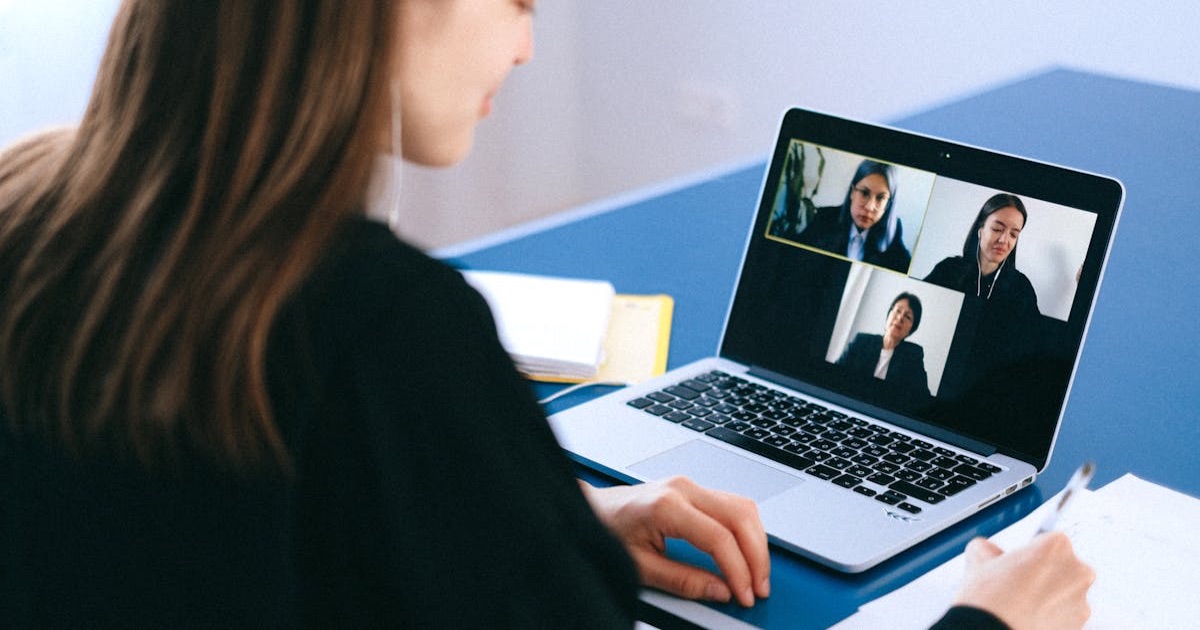
Virtual Interviews Are the New Normal
Somewhere around 2020, video interviews went from a convenience to the standard. And even though remote work policies have shifted back and forth, the virtual first-round interview has stuck. Most companies now conduct at least one round over Zoom, Teams, or Google Meet before bringing anyone on-site.
The problem is that video calls flatten your personality. The energy you naturally project in a room -- your posture, your handshake, the way you lean forward when you're interested -- gets compressed into a small rectangle on someone's laptop screen. That means you need to be more deliberate about how you present yourself.
This isn't about being fake. It's about removing the friction that video creates so the interviewer can focus on what you're actually saying.
Set Up Your Physical Space
Your environment sends a message before you say a word. You don't need a home office that looks like a West Elm catalog, but you do need to be intentional.
Lighting
Lighting is the single biggest factor in how you look on camera. The rule is simple: light should come from in front of you, not behind you.
Sitting with a window behind you turns you into a silhouette. Sitting with a window in front of you (or a desk lamp behind your monitor) illuminates your face evenly.
If you're interviewing in the evening or in a room without natural light, a ring light or a desk lamp positioned behind your laptop works well. You don't need expensive equipment -- a $20 lamp does the job.
Background
The ideal background is clean and undistracting. A plain wall, a bookshelf, or a tidy room works fine. Avoid:
- Unmade beds or laundry piles visible behind you
- Busy posters or artwork that pulls attention
- Virtual backgrounds (they glitch constantly and look artificial)
If your space is genuinely messy and you can't clean it, a lightly blurred real background is better than a virtual one. Most platforms now offer this option.
Camera Position
Your camera should be at eye level or slightly above. If you're using a laptop on a desk, the camera is pointing up at your chin -- not a flattering angle for anyone. Stack some books under your laptop or use a laptop stand.
Ideal setup checklist:
- Camera at eye level (stack books under laptop if needed)
- Light source in front of you (window or lamp behind monitor)
- Clean, non-distracting background
- Stable surface (no wobbling)
- Wired internet if possible (ethernet > wifi)
- Phone on silent, face down, in another room
Test Everything 30 Minutes Early
Technical failures during interviews are surprisingly common, and they're almost always preventable. Here's what to check:
Audio and Video
Open your video platform's settings and verify:
- Your microphone is picking up your voice clearly
- Your camera is showing the angle and framing you want
- Your speakers or headphones are working
Use headphones or earbuds. They prevent echo, reduce background noise pickup, and ensure you hear the interviewer clearly. Wired earbuds are more reliable than Bluetooth, which can have connection drops or battery issues at the worst possible moment.
Internet Connection
If you can use a wired ethernet connection, do it. WiFi is fine most of the time, but it's unpredictable. A dropped connection during your answer about leadership experience is not the impression you want to make.
If you're stuck on WiFi:
- Sit close to the router
- Ask others in your household to avoid heavy streaming during the interview
- Close all other browser tabs and applications (especially Dropbox, Google Drive, or anything syncing in the background)
Platform Familiarity
If the interview is on a platform you haven't used before (some companies use HireVue, Spark Hire, or their own proprietary tools), download and test it the day before. Don't be the person troubleshooting a plugin installation while the interviewer waits.
How to Project Confidence on Camera
In-person, confidence comes naturally through body language -- how you walk into a room, how you sit, how you gesture. On video, most of that disappears. You need to compensate deliberately.
Look at the Camera Lens
This is the single hardest habit to build, and the single most impactful one. When you look at the other person's face on your screen, it appears to them like you're looking slightly downward. When you look at the camera lens, it appears to them like you're making direct eye contact.
You don't need to stare at the camera the whole time. Look at the camera when you're making a key point or when the interviewer is speaking and you want to show engagement. Glance at the screen periodically to read their reactions.
Speak Slightly Slower
Video calls have a natural delay, even if it's only a fraction of a second. Speaking at your normal conversational pace can come across as rushed. Slow down about 10-15%. Pause briefly between sentences. This also prevents you from accidentally talking over the interviewer due to lag.
Use Your Hands (But Keep Them in Frame)
Gesturing naturally makes you more engaging on camera. But if your hands are below the frame, you just look like you're fidgeting. Keep your gestures at chest level where they're visible.
Sit Up and Lean Slightly Forward
Slouching on camera reads as disinterest. Sit up straight and lean slightly toward the screen. It's a subtle signal that says "I'm engaged in this conversation."
Use Notes Strategically
Here's the one genuine advantage of virtual interviews: you can have notes. Use it, but use it wisely.
| Good Use of Notes | Bad Use of Notes |
|---|---|
| Key points about the company you researched | Reading full scripted answers |
| Names and roles of your interviewers | Looking down for every question |
| 2-3 questions you want to ask | A visible notebook you flip through |
| Bullet-point reminders for your STAR stories | Sticky notes plastered around your screen |
The trick is to have brief bullet points on a sticky note placed just below your camera. That way, glancing at your notes looks almost like eye contact. If you have a second monitor, put your notes there -- but be aware that looking to the side is obvious to the interviewer.
Never read full answers. If you sound like you're reading, you've lost the conversational quality that makes interviews work.
Handle Technical Problems Gracefully
Things will go wrong eventually. Your internet will cut out, your audio will glitch, or the platform will crash. How you handle it matters more than the problem itself.
If Your Connection Drops
Rejoin immediately. If you can't rejoin within 30 seconds, send a quick message through whatever channel you have (email, the chat function, or even a text to the recruiter): "Apologies -- my connection dropped. Rejoining now."
If Audio or Video Fails Mid-Call
Say something immediately: "I think my audio cut out for a moment -- could you repeat that last part?" Don't sit in silence hoping they didn't notice.
If There's a Persistent Issue
"I'm having some connection trouble on my end. Would it be possible to switch to a phone call for the audio? I want to make sure we can have a clear conversation."
This is a perfectly reasonable request. Interviewers deal with tech issues constantly. What matters is that you're proactive and solution-oriented about it -- which, conveniently, is also a quality they're looking for in candidates.
Common Virtual Interview Mistakes
Multitasking. Interviewers can tell when you're reading something on another tab. Your eyes move in a specific way when you're reading versus thinking. Close everything except the video call.
Not framing yourself properly. Your head should be in the top third of the frame, with some space above. Don't be so close that your face fills the entire screen, and don't be so far that you look tiny.
Forgetting about the mute button. Know where it is and use it if there's unexpected noise (a dog barking, construction, a delivery). A quick "Sorry, let me mute for one second" is professional. Letting a leaf blower soundtrack your answer about conflict resolution is not.
Ignoring the "waiting room" phase. Many platforms put you in a waiting room before the host admits you. Your camera is often already on. Don't use that time to check your teeth in the camera or have a conversation with someone else in the room.
The Final Impression
End the interview the same way you would in person: thank the interviewer by name, express genuine interest in the role, and confirm next steps. Then stay on camera with a pleasant expression until the call actually disconnects. Ending with an eye roll or an immediate slump is more visible than you think -- there's often a 1-2 second delay before the call fully closes.
Follow up with a thank-you email within 24 hours, just as you would after an in-person interview. Reference something specific from the conversation to show you were engaged.
Sources
- Harvard Business Review: How to Nail a Virtual Job Interview -- Research-backed strategies for presenting yourself effectively in remote interviews, including data on how hiring managers evaluate virtual candidates differently
- LinkedIn Talent Blog: The Rise of Virtual Interviews -- Insights from LinkedIn's hiring data on the shift to video interviews and what recruiters notice most during virtual calls
- SHRM: Best Practices for Video Interviewing -- SHRM guidance on virtual interview standards, including technical setup recommendations and candidate evaluation in remote settings
Virtual interviews reward preparation and intentionality. If you want to make sure your resume gets you to the interview stage in the first place, Superpower Resume helps you tailor your resume for each role so you're landing more calls -- virtual or otherwise.